2026. 1. 24. 11:38ㆍIT딥다이브🖥️ (Tech Deep Dive)
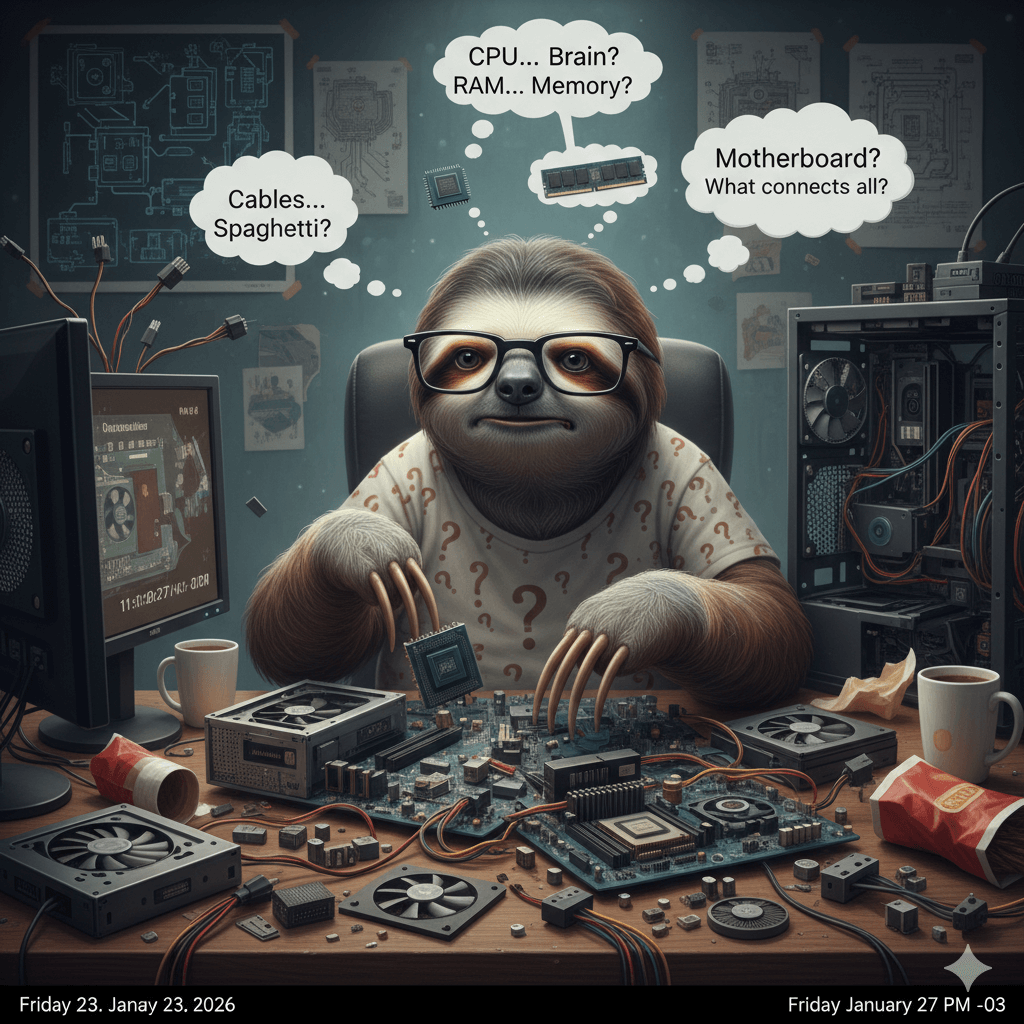
안녕하세요!
조립 PC를 맞추거나 새 컴퓨터를 살 때, 복잡한 부품 이름 때문에 머리 아프셨죠?
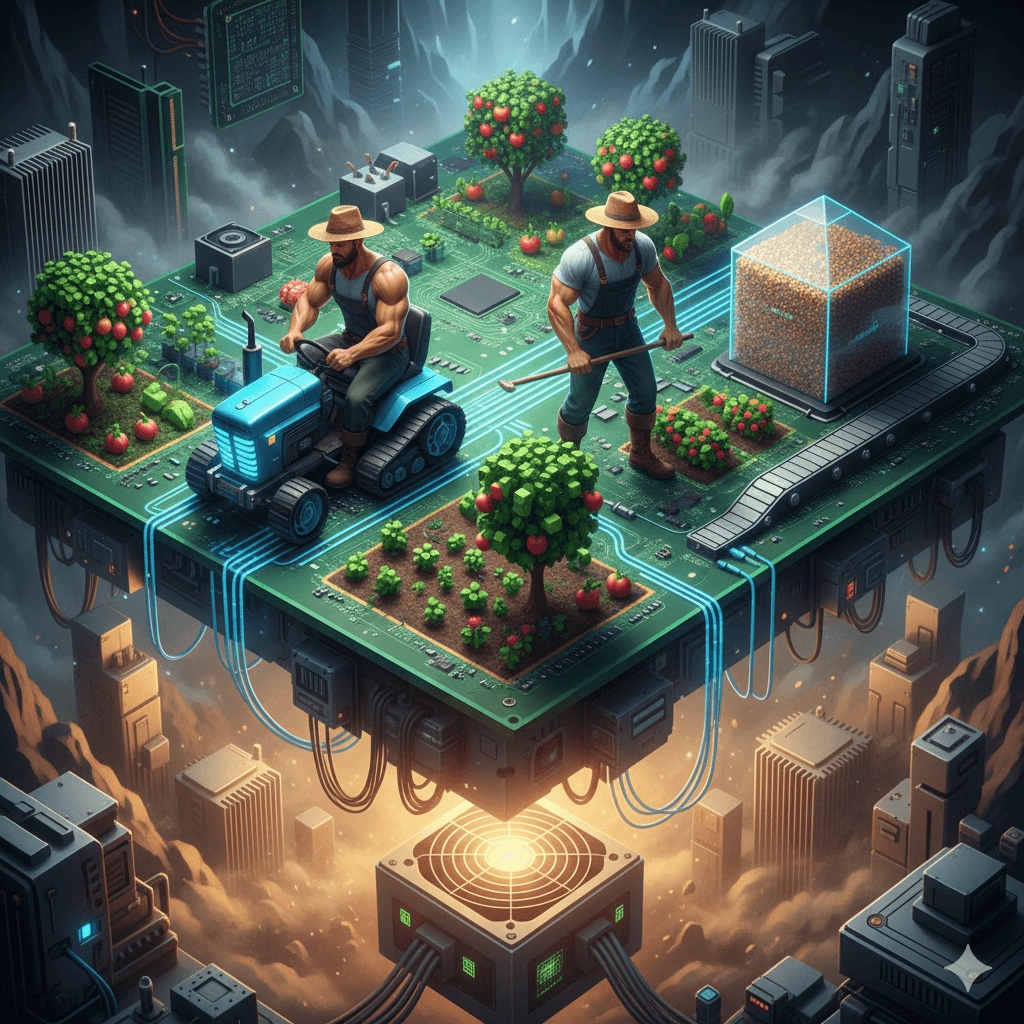
오늘은 제가 컴퓨터 사양을 '농사'에 비유해서 아주 쉽게 설명해 드릴게요.
이 원리만 알면 조립 PC 견적 짤 때 호구 당할 일은 절대 없습니다!
Struggling to understand PC specs? Let’s break it down using a "Farming" analogy. Once you get this, building your own PC becomes much easier.
1. 부품별 역할: 나의 농장 구성 요소
Component Roles: Understanding Your Farm
- CPU (프로세서) = 농부의 체력과 도구 성능
- CPU는 일을 하는 농부 본인의 능력이에요. 농부가 힘이 좋고 날카로운 삽을 들고 있어야 땅을 빨리 파겠죠?
- The CPU is the physical strength and tool quality of the farmer. A strong farmer with a good shovel works much faster.
- i3 / Ryzen 3: 초보 농부 (사무용, 웹서핑용) The Entry-Level Farmer (Basic Office & Web Browsing)
- i5 / Ryzen 5: 베테랑 농부 (대부분의 사용자에게 최적!) The Veteran Farmer (Optimal for Most Users - The Sweet Spot)
- i7 / Ryzen 7: 트랙터 탄 농부 (전문 작업, 고사양 게임) The Farmer on a Tractor (Pro Tasks & High-End Gaming)
- RAM (메모리) = 동시에 일하는 농부의 수
- 램은 일손이에요. 아무리 농부 한 명이 힘이 좋아도, 혼자서 모든 일을 하려면 시간이 걸리죠. 일손(RAM)이 많아야 여러 일을 동시에(멀티태스킹) 척척 해낼 수 있습니다.
- RAM is the number of farmers working together. More RAM means multitasking is smoother and faster.
- 8GB: 농부 1명 (기본적인 작업만 가능) Single Farmer (Handles basic tasks only)
- 16GB: 농부 2명 (현대 컴퓨터의 필수 표준) Dynamic Duo (Two Farmers) (The Modern PC Gold Standard)
- 32GB 이상: 농부 군단 (전문적인 워크스테이션) The Farmer Legion (Professional Workstation Grade)
- SSD (저장장치) = 집 바로 옆에 붙어 있는 ‘최신식 자동화 곳간’
- 예전 하드디스크(HDD)가 마을 저 멀리 산골짜기에 있는 창고 였다면, SSD는 농부 집 바로 옆에 붙어 있는 곳간입니다. 문 열자마자 곡물을 꺼내올 수 있죠. 아무리 농부(CPU)가 힘이 좋아도 곡물을 가지러 산골짜기까지 다녀오면 하루가 다 가듯, SSD는 곳간의 '거리(속도)'가 본질입니다.
- SSD is an automated granary right next to the house. Unlike old HDDs located in distant valleys, SSDs allow the farmer to access supplies instantly
- 256GB: 빠르지만 금방 차는 작은 자동화 곳간 Small Instant Access Granary (Fast but fills up quickly)
- 512GB / 1TB: 빠르면서 웬만한 수확물은 다 들어가는 넉넉한 대형 창고 Spacious High-Speed Warehouse (Fast and ample for most crops)
✔️ 용량(곳간 크기)보다 중요한 건 SSD라는 '방식(곳간의 위치)' 그 자체입니다. 아무리 농사가 잘되어도 수확물을 꺼내오는 데 한 세월이면
그 컴퓨터는 고철이나 다름없습니다
✔️ More important than capacity (the size of the granary) is the SSD technology itself—the 'location of the granary.' No matter how successful the harvest is, if it takes ages to retrieve the crops, that computer is nothing more than a piece of scrap metal.
- 그래픽카드 (GPU) = 전문 농기계 (트랙터/콤바인)
- 평범한 농사엔 필요 없지만, 대규모 간척 사업(게임, 영상 편집, 3D 작업)을 하려면 강력한 농기계가 필수입니다. 조립 PC에서 가장 비싼 부품이기도 하죠.
- The GPU is specialized machinery like a tractor. Essential for heavy tasks like gaming or 3D rendering.
- 📂 그래픽카드(GPU) 깊게 파기: 트랙터의 등급
- Deep Dive into GPUs: The Tiers of Agricultural Machinery
-
-
-
- 내장 그래픽 = 호미와 삽 Integrated Graphics = Hand Tools (Hoes and Shovels)
- 따로 기계 없이 농부의 손으로 직접 하는 수준입니다. 넷플릭스 보기, 문서 작업 같은 '기초 농사'는 충분하지만, 대규모 공사는 불가능합니다.
- This is the manual labor level. Sufficient for "basic gardening" like Netflix or office work, but impossible for large-scale construction.
- 외장 그래픽 (RTX 등) = 전문 농기계 (트랙터) External Graphics (RTX, etc.) = Professional Machinery (Tractors)
- 농사가 아닌 '대규모 간척 사업'을 하려면 필수입니다. 복잡한 그래픽 계산을 농부(CPU) 대신 이 기계가 다 처리합니다.
- Essential for "massive reclamation projects" rather than simple farming. This machine handles complex visual computations instead of the farmer (CPU).
- 📂 RTX는 무엇인가? (NVIDIA의 트랙터 브랜드)
- What is RTX? (NVIDIA’s Machinery Brand)
- 지금 시장을 꽉 잡고 있는 **NVIDIA(엔비디아)**의 트랙터 브랜드 이름이 바로 RTX입니다. (옛날 모델은 GTX라고 불렀죠.)
- RTX is the brand name of the market-leading tractors from NVIDIA. (Older models were called GTX.)
- RT (Ray Tracing): '빛 추적' 기능입니다. RT (Ray Tracing): Advanced Light Simulation. 게임 속 햇빛이나 물 반사를 진짜처럼 보이게 만드는 특수 조명 장치가 달린 최신형 트랙터라고 이해하시면 됩니다.
- Think of it as a modern tractor equipped with a high-tech lighting system that makes sunlight and water reflections look ultra-realistic.
- 📂 숫자 해독법: 모델명 뒤의 숫자가 진짜 등급!
- How to Decode the Numbers: The Real Performance Tiers
- RTX 뒤에 붙는 숫자 4자리만 볼 줄 알면 끝납니다. 예: RTX 4070
- Just look at the four digits after "RTX." Example: RTX 4070
-
-
-
-
-
- 앞의 두 자리 (40) = 세대 (Year/Generation) 숫자가 높을수록 최신형 모델입니다. (30 시리즈보다 40 시리즈가 최신형 트랙터)
- The higher the number, the newer the model. (The 40-series is a newer tractor than the 30-series.)
- 뒤의 두 자리 (70) = 체급 (Performance Tier) ★가장 중요★
- The last two digits (70) = Performance Tier ★Most Important★
- 50~60: 소형/중형 트랙터 (가성비 게임용, FHD 환경) Compact/Mid-sized Tractors (Budget gaming, FHD resolution)
- 70~80: 대형 트랙터 (고사양 게임, 영상 작업용, QHD/4K) Large-scale Tractors (High-end gaming, Video editing, QHD/4K resolution)
- 90: 굴착기/불도저 (끝판왕, 전문가용, 8K) Excavators/Bulldozers (The Ultimate Tier, Professional-grade, 8K resolution)
- 📂 용도별 '농기계' 추천 조합
-
-
| 등급 (Tier) | 모델 예시 | 용도 (Best for...) | 비유 (Analogy) |
| 입문급 | RTX 3050 / 4060 | 가성비 게이밍, FHD 영상 편집 | 중소형 트랙터 (Entry-level machinery) |
| 상급 | RTX 4070 / 4080 | 고사양 게임, 4K 영상 작업 | 대형 트랙터 (High-performance machinery) |
| 최상급 | RTX 4090 | 3D 렌더링, 딥러닝, 끝판왕 게임 | 불도저/중장비 (Industrial-grade heavy equipment) |
✔️ RTX 뒤의 **앞 숫자는 '연식'**이고, **뒤 숫자는 '배기량'**입니다. 내가 하는 농사가 텃밭 가꾸기인데 굳이 4090 같은 불도저를 살 필요는 없습니다. 하지만 배틀그라운드 같은 대규모 공사를 하려면 최소 60~70이라는 중형 트랙터는 갖춰야 합니다.
여러분의 농장엔 삽(내장 그래픽)이 필요한가요, 아니면 트랙터(RTX)가 필요한가요?
예산의 40%는 이 농기계 결정에 달려 있습니다.
✔️ The first two digits after 'RTX' represent the 'Model Year (Generation),' while the last two digits represent the 'Engine Displacement (Performance Tier).' If your farming is just a small backyard garden, there’s no need to buy a bulldozer like the 4090. However, for massive construction projects like PUBG, you should at least have a mid-sized tractor in the 60-70 range.
Does your farm need a shovel (Integrated Graphics) or a tractor (RTX)? Remember, about 40% of your total budget depends on this single choice of machinery.
2. 컴퓨터 사양별 '농사 현장' 시나리오
Spec Scenarios: How Your PC Actually Works
- 시나리오 1. 가성비 사무용 PC (i3 + 8GB + 256GB) Budget-Friendly Office Build
- "초보 농부 한 명이 작은 텃밭에서 일하는 격" 웹서핑이나 엑셀 작업은 충분하지만, 무거운 프로그램을 돌리면 농부가 금방 지칩니다.
- A beginner farmer in a small garden. Great for basic office work.
- 시나리오 2. 올라운더 표준 PC (i5 + 16GB + 512GB) ★강력 추천★The All-Rounder Standard Build(High Efficiency)
- "베테랑 농부 2명이 최신식 곳간에서 일하는 격" 가장 추천하는 조립 PC 구성입니다. 웬만한 게임과 작업에서 버벅임 없는 쾌적함을 보여줍니다.
- Two veteran farmers working together. The "Golden Standard" for most users.
- 시나리오 3. 하이엔드 전문가/게이밍 PC (i7 + 32GB + 1TB + 외장 그래픽) High-End Enthusiast & Pro Gaming Build
- "트랙터 탄 농부들이 대규모 기업형 농장을 운영하는 격" 전문적인 영상 편집이나 고사양 게임을 즐기는 분들을 위한 세팅입니다.
- A professional team with heavy machinery. Built for hardcore gaming and creative work.
3. 용도별 추천 사양 조합표
Recommended Specs by Use Case
| 용도 (Target) | 추천 농부 (CPU) | 추천 일손 (RAM) | 농기계 (GPU) |
| 단순 사무 & 인강용 The Balanced Daily Driver (For Work & Study) |
i3 / Ryzen 3 | 8GB | 내장 그래픽 |
| 직장인/학생 표준형 The Balanced Daily Driver (For Work & Study) |
i5 / Ryzen 5 | 16GB | 내장 or 입문급 |
| 배그/디아 등 게임용 Mid-to-High Tier Gaming (Triple-A Titles) |
i5 / Ryzen 5 | 16GB |
중급 외장(RTX 등)
|
| 전문 영상/개발/고사양 게임 Professional Creative, Dev & Hardcore Gaming |
i7 / Ryzen 7 | 32GB 이상 | 고급 외장 그래픽 |
💡 집요한 분석가의 조립 PC 꿀팁 (Final Verdict)
조립 PC 견적을 짤 때 가장 많이 하는 실수가 "농부(CPU)는 최고급으로 뽑고 일손(RAM)은 8GB만 넣는 것"입니다. 아무리 힘좋은 농부라도 혼자서는 일을 다 못 합니다.
컴퓨터를 새로 맞출 계획이라면 무조건 RAM 16GB부터 시작하세요. 그것만으로도 여러분의 농사(작업) 효율이 2배는 올라갑니다!
When building a PC, don't skimp on RAM. 16GB is the minimum for a smooth experience, regardless of your CPU power.
조립 PC 견적을 짜다가 내 사양이 적절한지 궁금해졌다면? 언제든 댓글로 물어봐 주세요. 집요하게 분석해 드릴게요!
If you need a second opinion on your PC build, leave a comment below!
[Quick Summary: Understanding PC Specs] To build a balanced PC, think of it as a farm. The CPU is the farmer's strength, RAM is the number of workers, and SSD is the granary's speed and location. For a smooth experience in 2026, we highly recommend an i5/Ryzen 5 CPU paired with at least 16GB of RAM. Don't overspend on the CPU while neglecting RAM; balance is the key to maximizing your PC's efficiency and saving money.